Add a print to your basket
Physical prints, printed and posted straight to your door. Tap add-to-basket on any print below — checkout, colours and sizes are handled securely through Payhip.
Meet the maker
Meet the designer behind your funky prints
I'm Court, a graphic designer from Bristol with a love for creating bold, colourful designs that brighten up everyday spaces. After years of working across branding, packaging, websites, and graphic design, I decided to turn my passion for interiors into a collection of fun, playful wall prints.
Inspired by colourful homes, quirky typography, and feel-good design, my prints are made to add personality, warmth, and a little bit of joy to your walls. Whether you're refreshing a gallery wall or looking for that perfect finishing touch, I hope my designs help you create a home that feels uniquely yours.
— Court
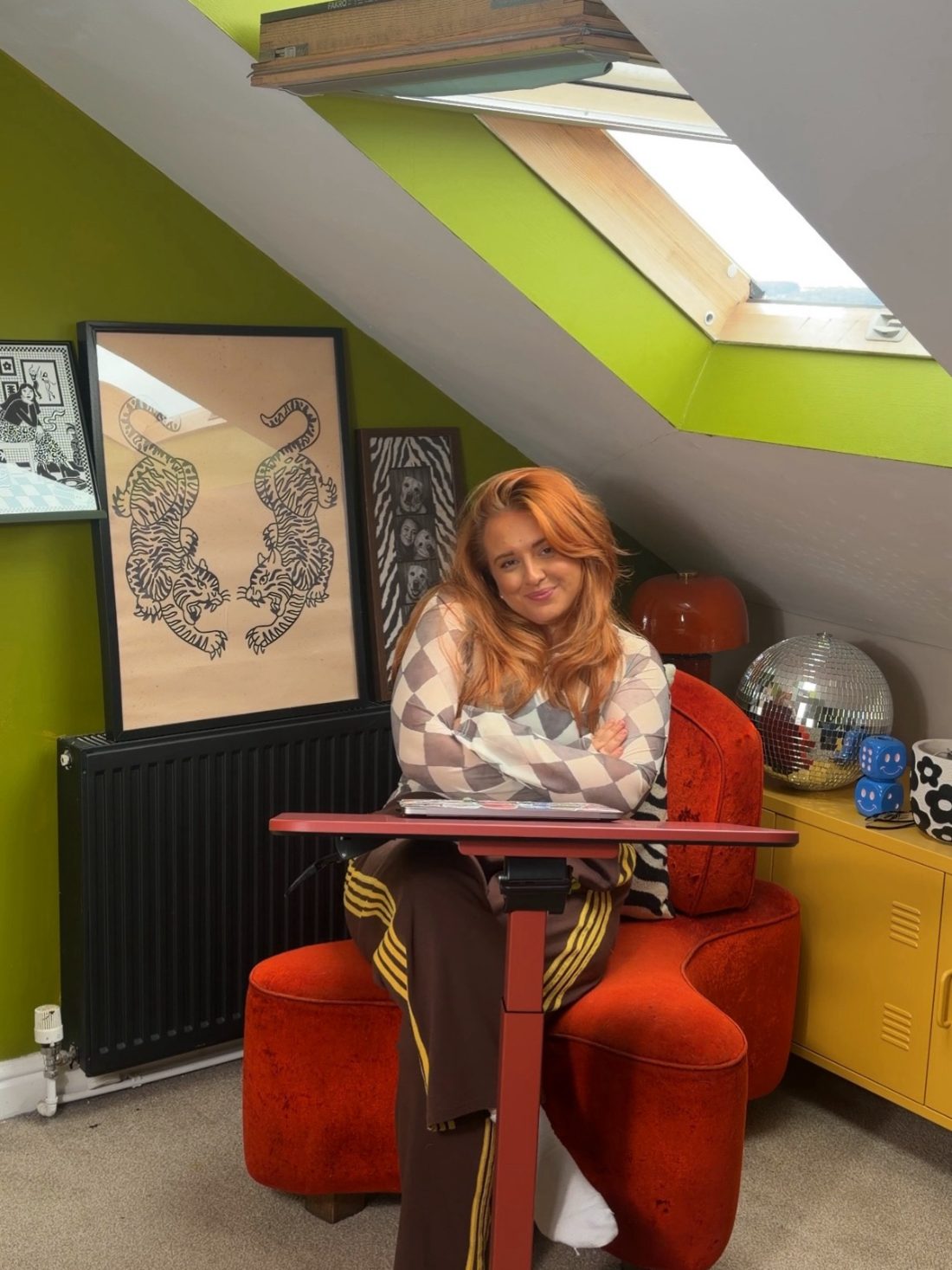
The wall of fame
Print gallery
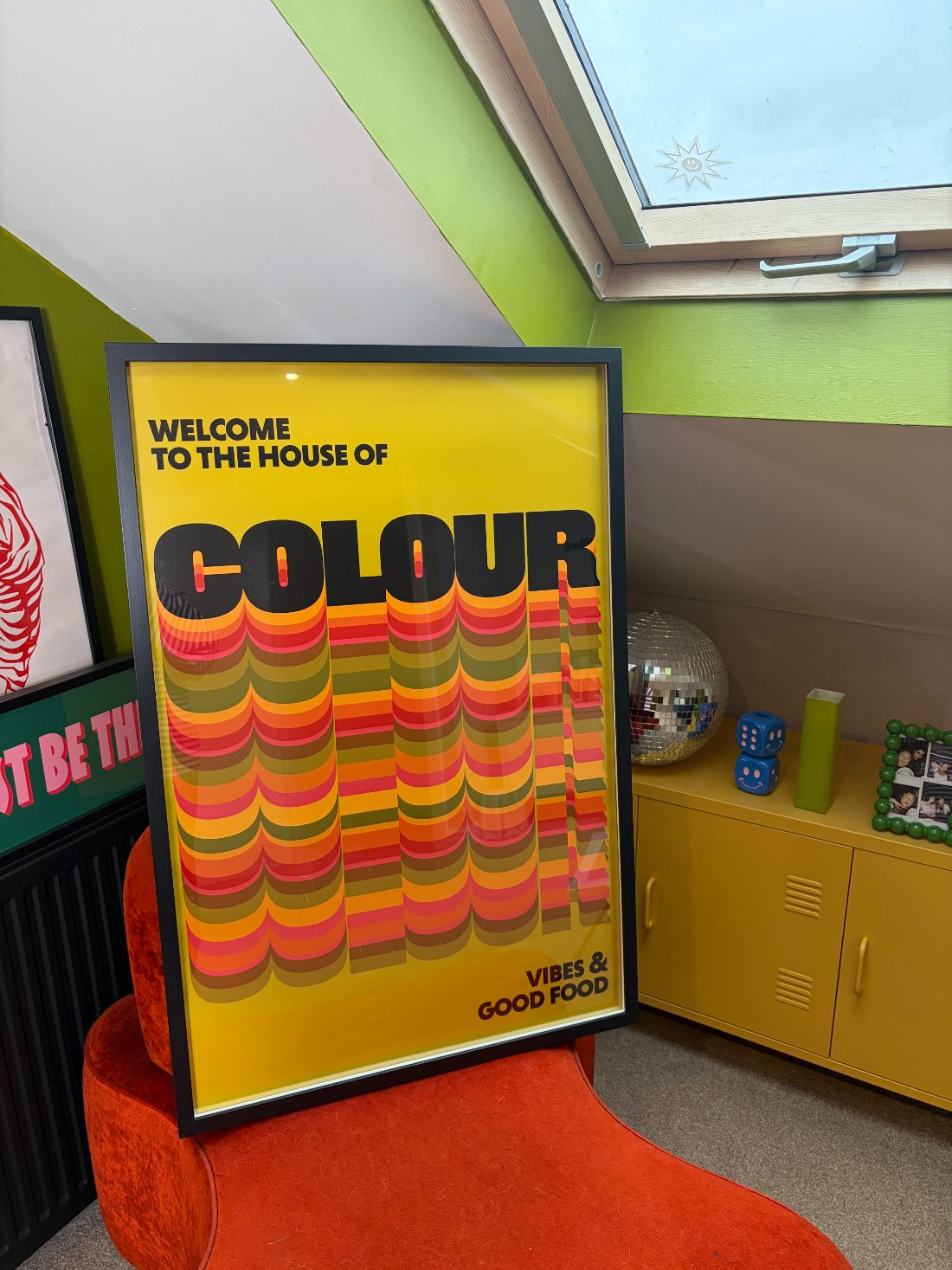
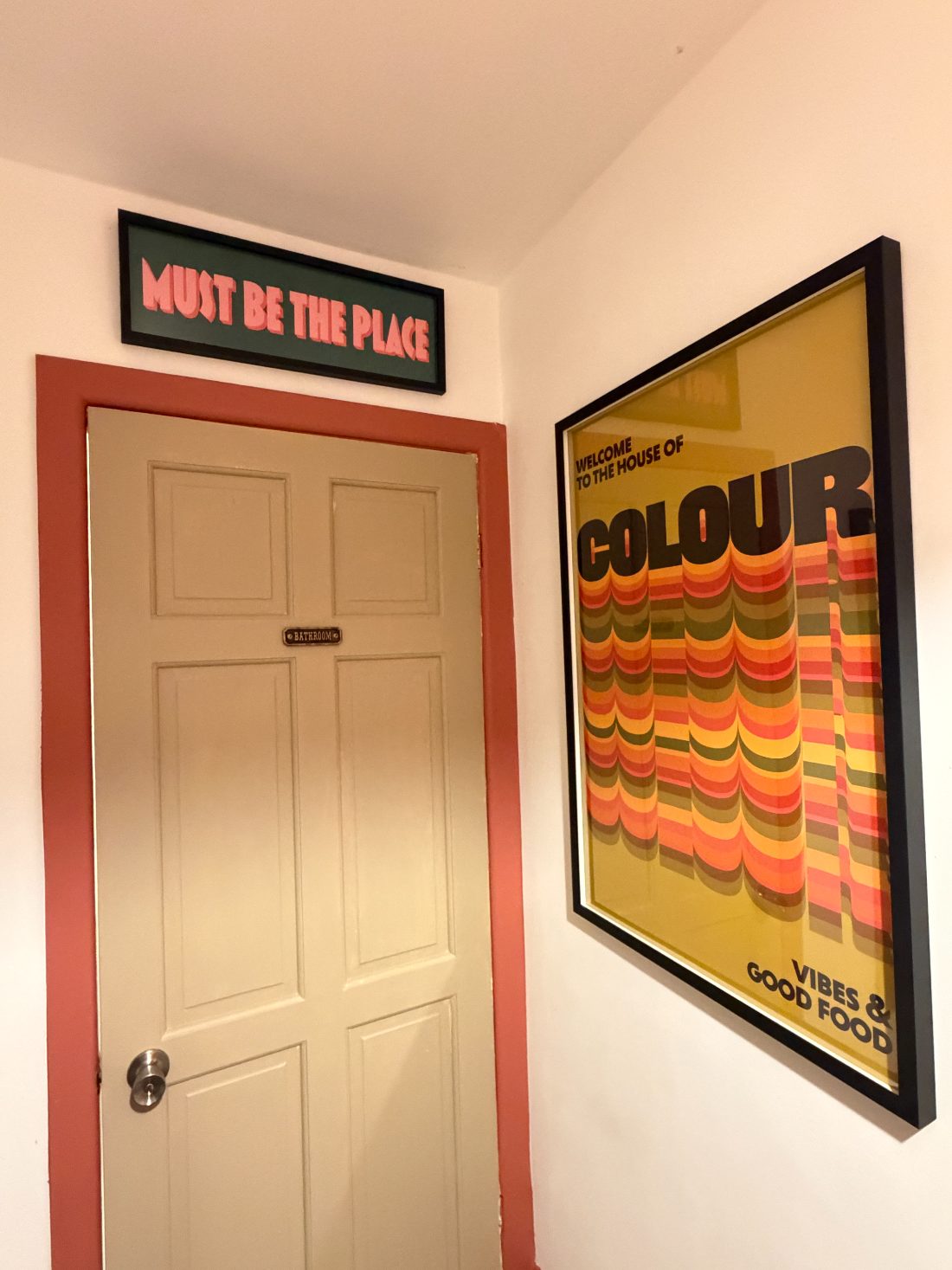
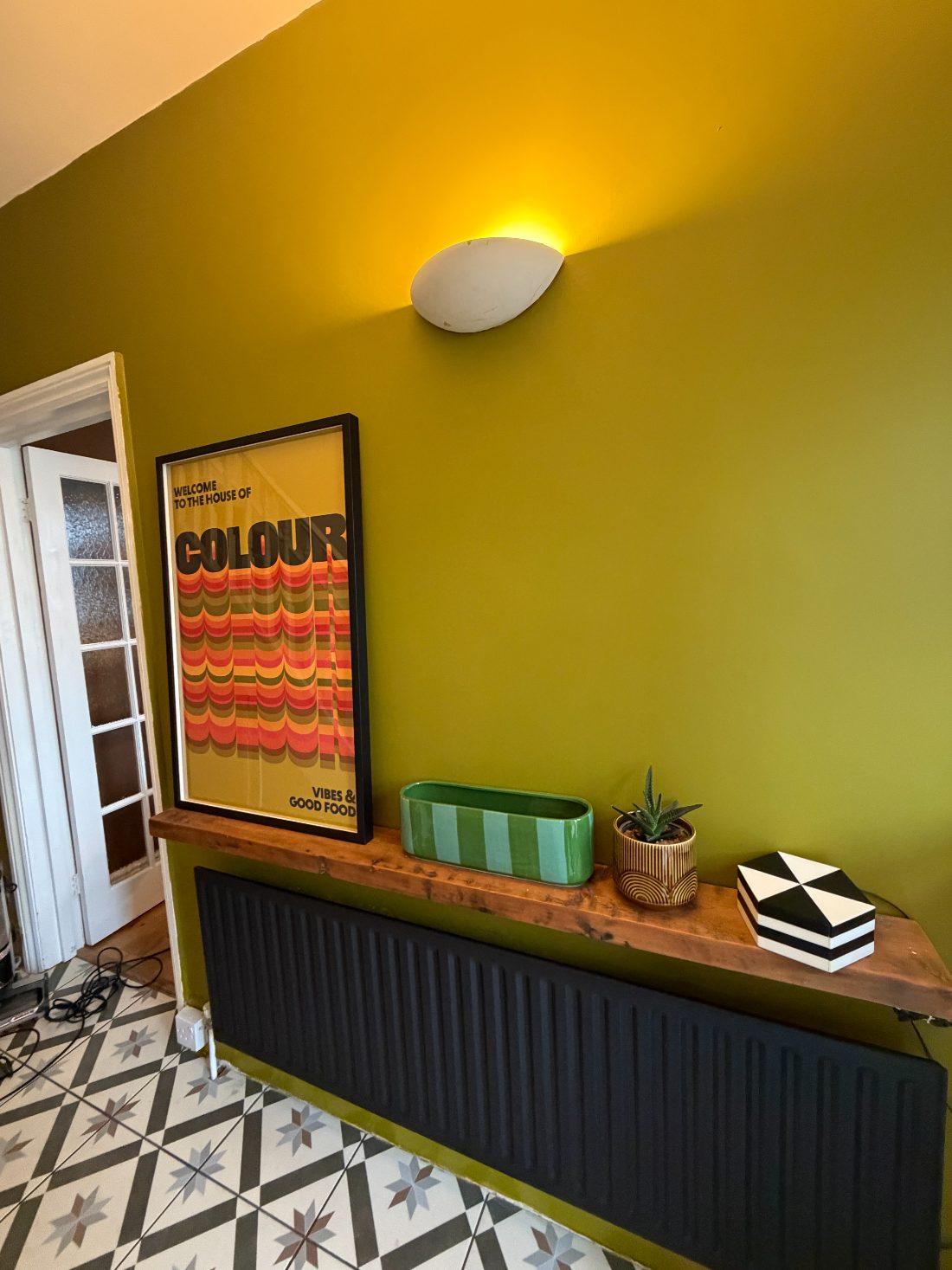
A peek at prints in the wild. Swap these for photos of your own designs.
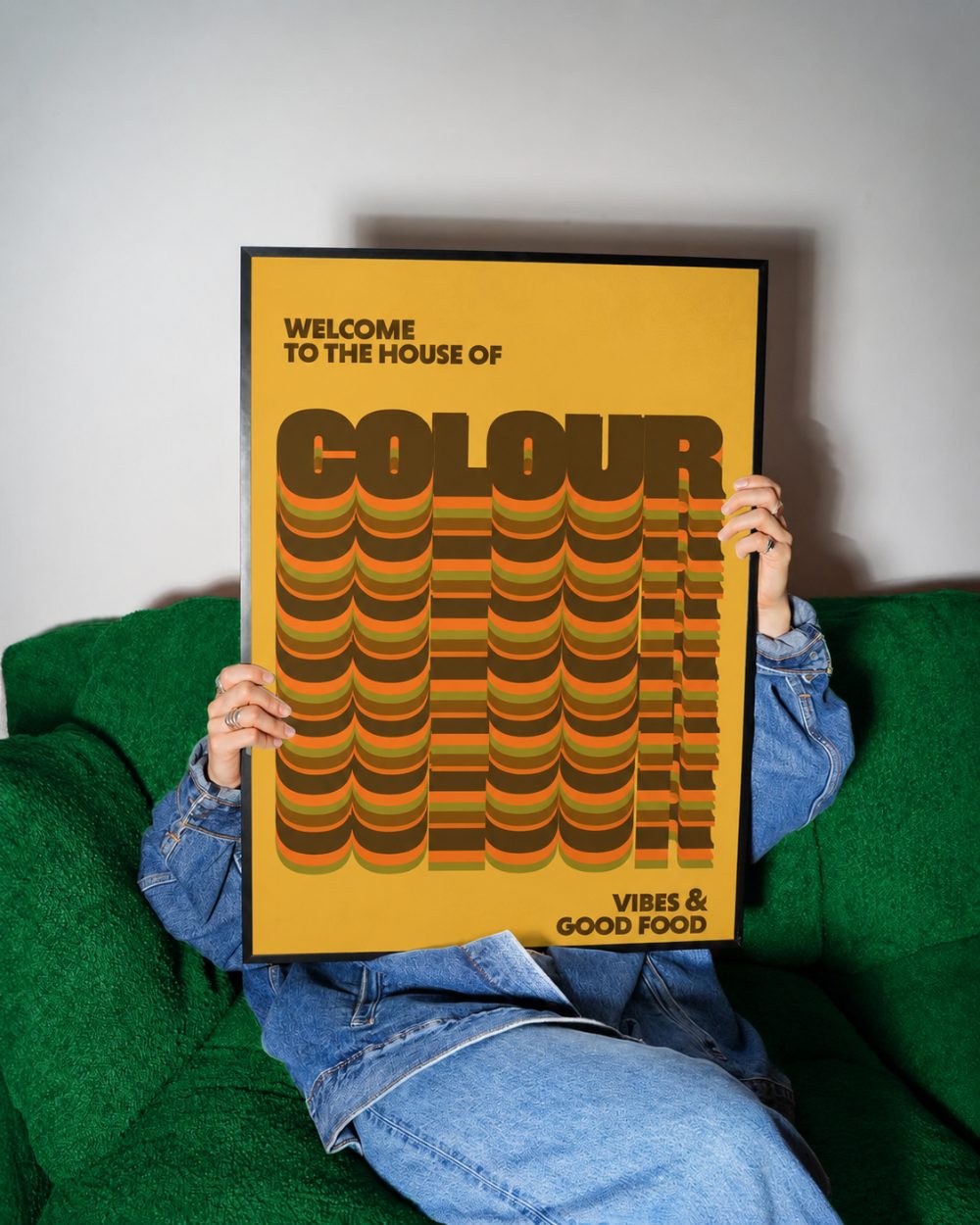
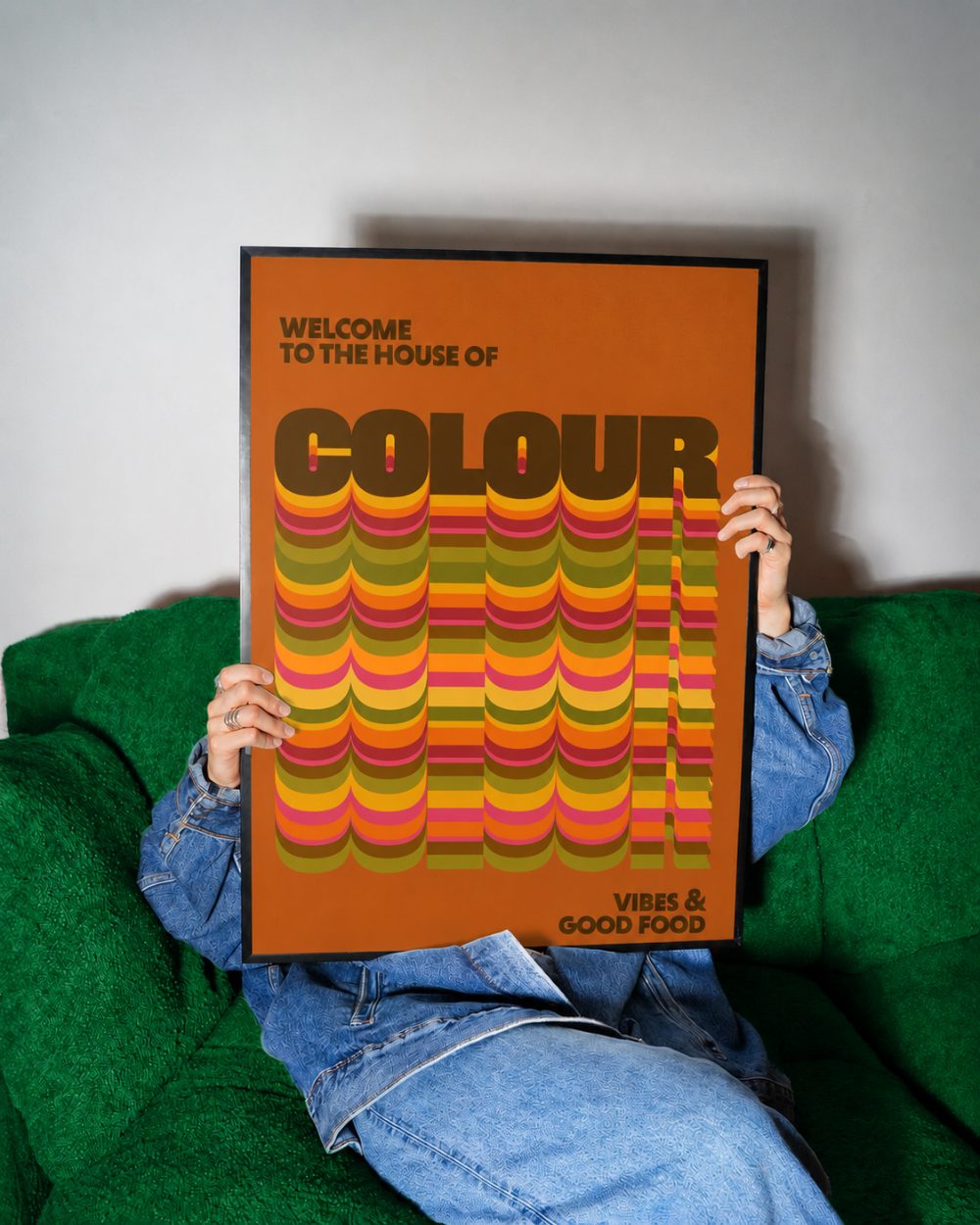
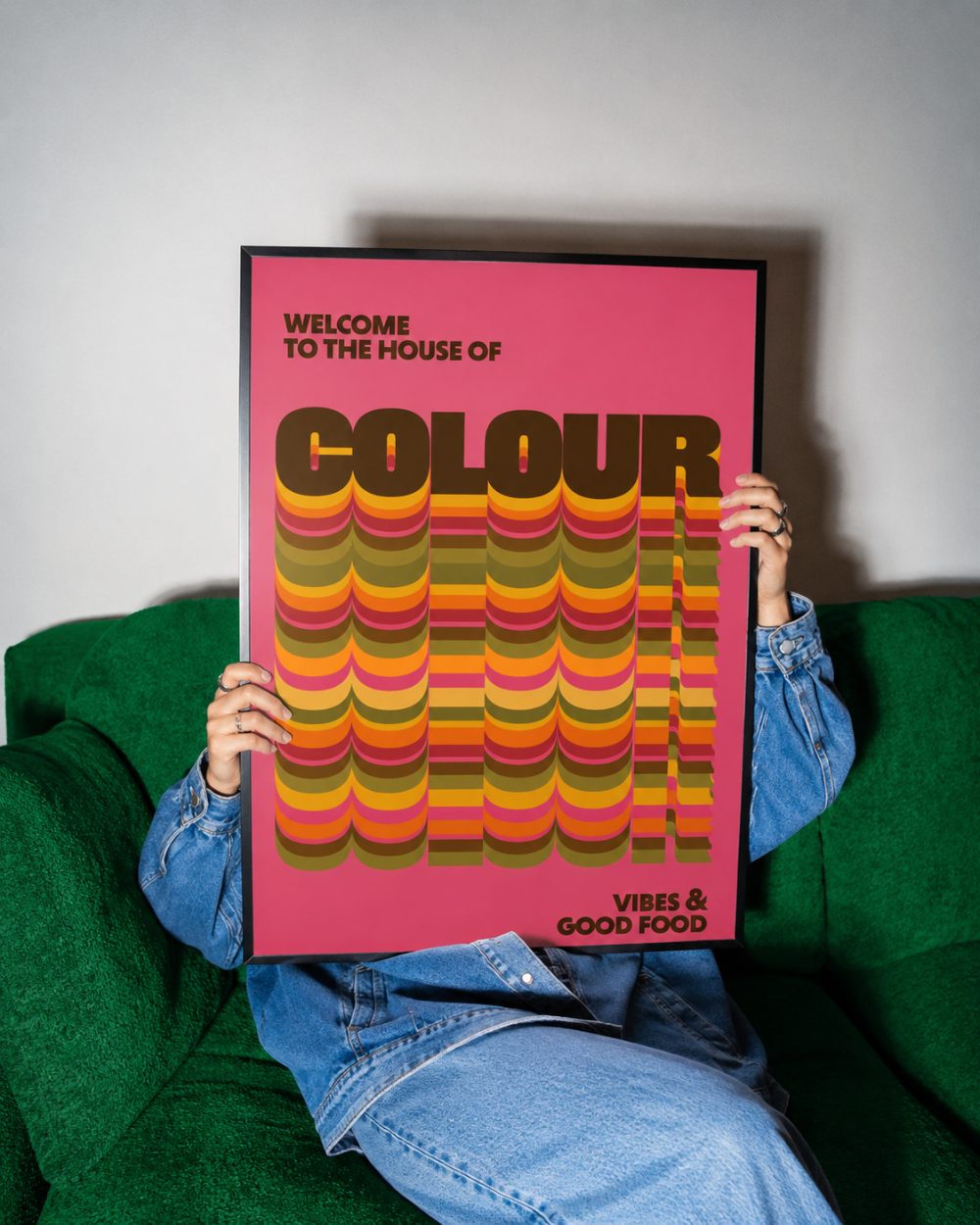
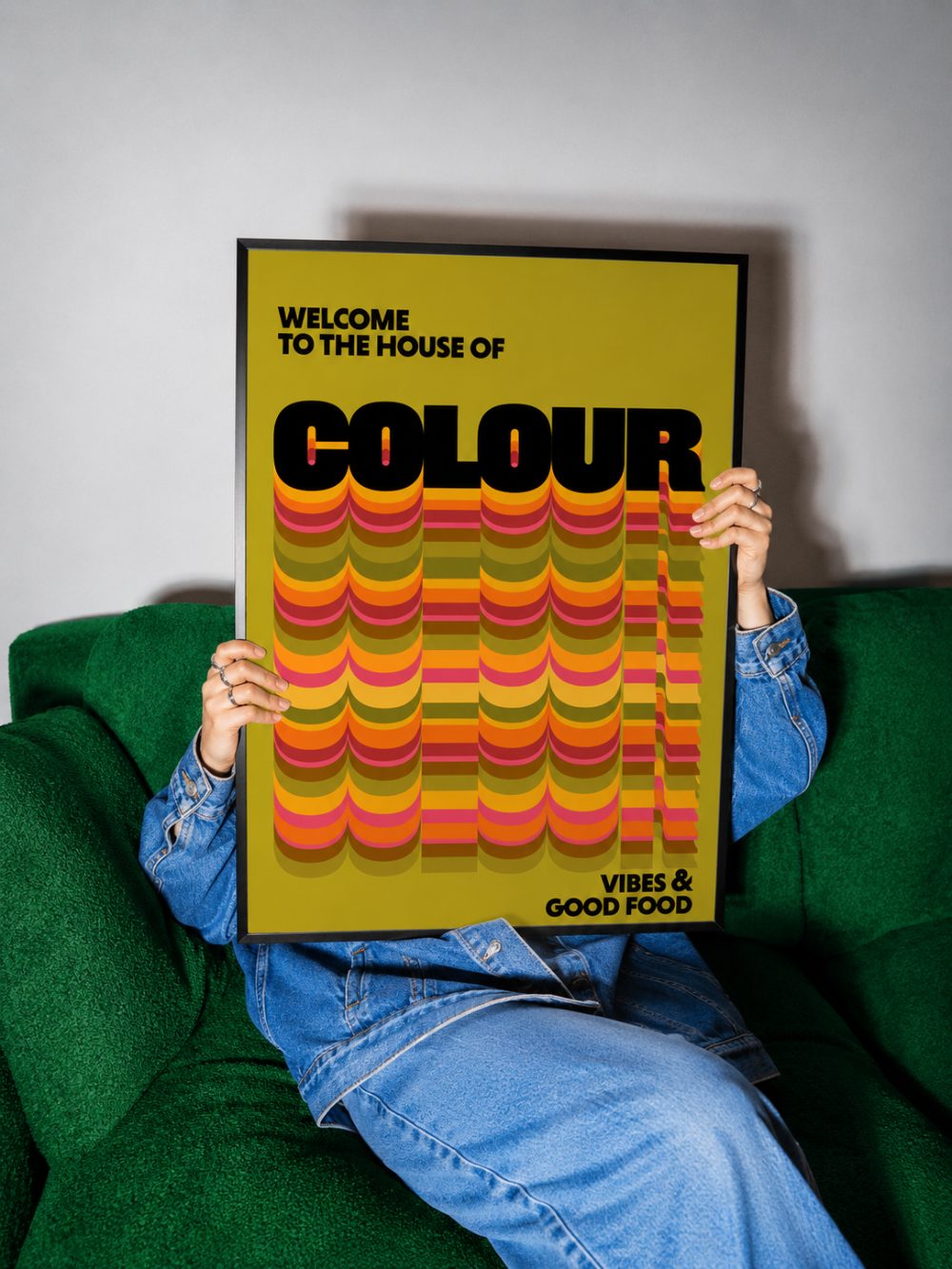
Our clients love our prints
Real prints, in real homes. Tag us and you could feature here.
Say hello
Custom colours, a bulk order, or just want to chat prints? Drop us a line.
info@franklypickled.com